

Latest Version
vikdevelop
Tools
Linux
Free
io.github.vikdevelop.SaveDesktop
Report a Problem
More About Save Desktop
While most backup utilities focus strictly on safeguarding your personal documents and media files, Save Desktop desktop environment backup tackles a highly specific pain point for Linux enthusiasts: preserving your meticulously crafted system aesthetics. Anyone who has spent hours customizing their desktop layout knows the dread of a fresh installation or system migration. This lightweight tool eliminates that friction by capturing your entire visual setup in a single, portable archive.
The Power of Save Desktop Desktop Environment Backup
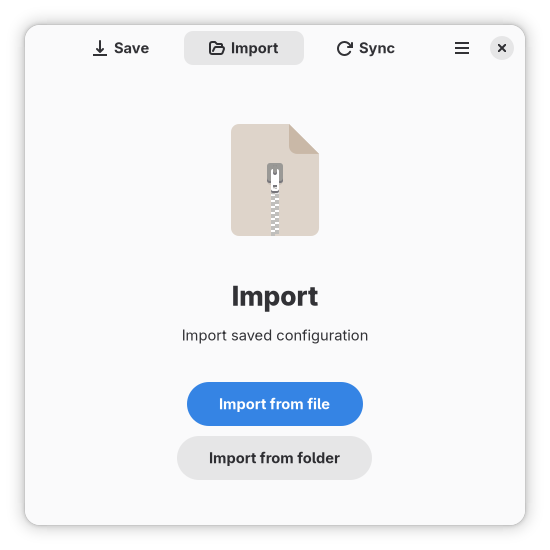
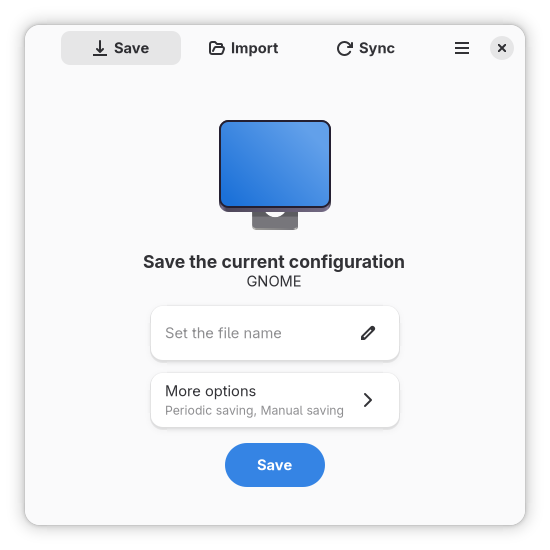
Developed by vikdevelop, this utility acts as a comprehensive snapshot tool for your user interface configurations. Instead of manually copying hidden dotfiles and configuration directories across your system, the application automates the preservation of your customized workspace. It packages your entire visual identity into an easily deployable file, making system migrations or recovery tasks seamless.
What Can You Safeguard?
The strength of a Save Desktop desktop environment backup lies in its granular control. Users can selectively package various components of their interface, including:
- Visual Assets: System themes, custom icon packs, fonts, and desktop wallpapers.
- Layout Configurations: Active desktop extensions, panel layouts, and workspace settings.
- Application States: Flatpak applications alongside their specific configuration data, ensuring your software preferences remain intact.
- Local Files: Your dedicated desktop folder containing active files and shortcuts.
Automated Synchronization and Peace of Mind
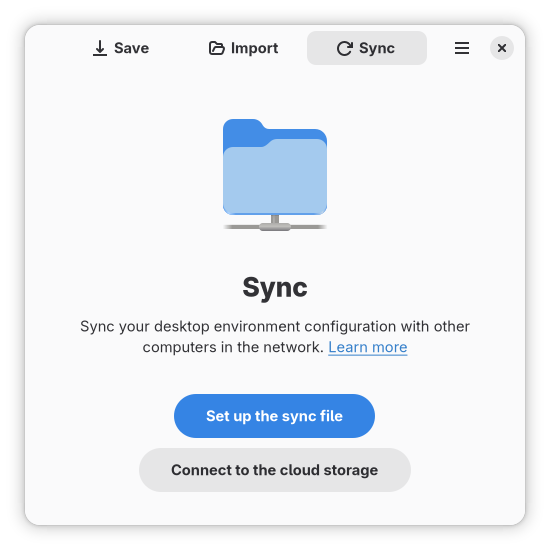
Beyond manual backups, the application supports periodic saves. This background automation ensures that as you tweak your system settings, add new extensions, or update your icon themes, your backup archive remains completely up to date. For multi-device users, this functionality provides a reliable method to synchronize identical desktop environments across different hardware configurations with minimal manual intervention.
Who Is This Tool For?
If you frequently distro-hop, manage multiple Linux workstations, or simply appreciate having a fail-safe recovery point for your custom UI configurations, this utility is indispensable. It bridges the gap between complex command-line backup scripts and user-friendly desktop management, offering a clean, accessible interface suitable for both novice users and seasoned administrators.
Streamline Your Linux Workspace Management
Operating within the essential tools category, this application addresses a crucial niche in system maintenance. By treating your visual configuration with the same importance as your personal data, it ensures you never have to rebuild your perfect workspace from scratch. To explore this utility and integrate it into your system maintenance routine, visit the official Flathub store page to get started.
Rate the App
User Reviews











Popular Apps










Editor's Choice